A Clear, Professional Invoice Format Covering All Essentials.
*Free & Easy - no hidden fees.
 Call For Demo 9168696091/92/93
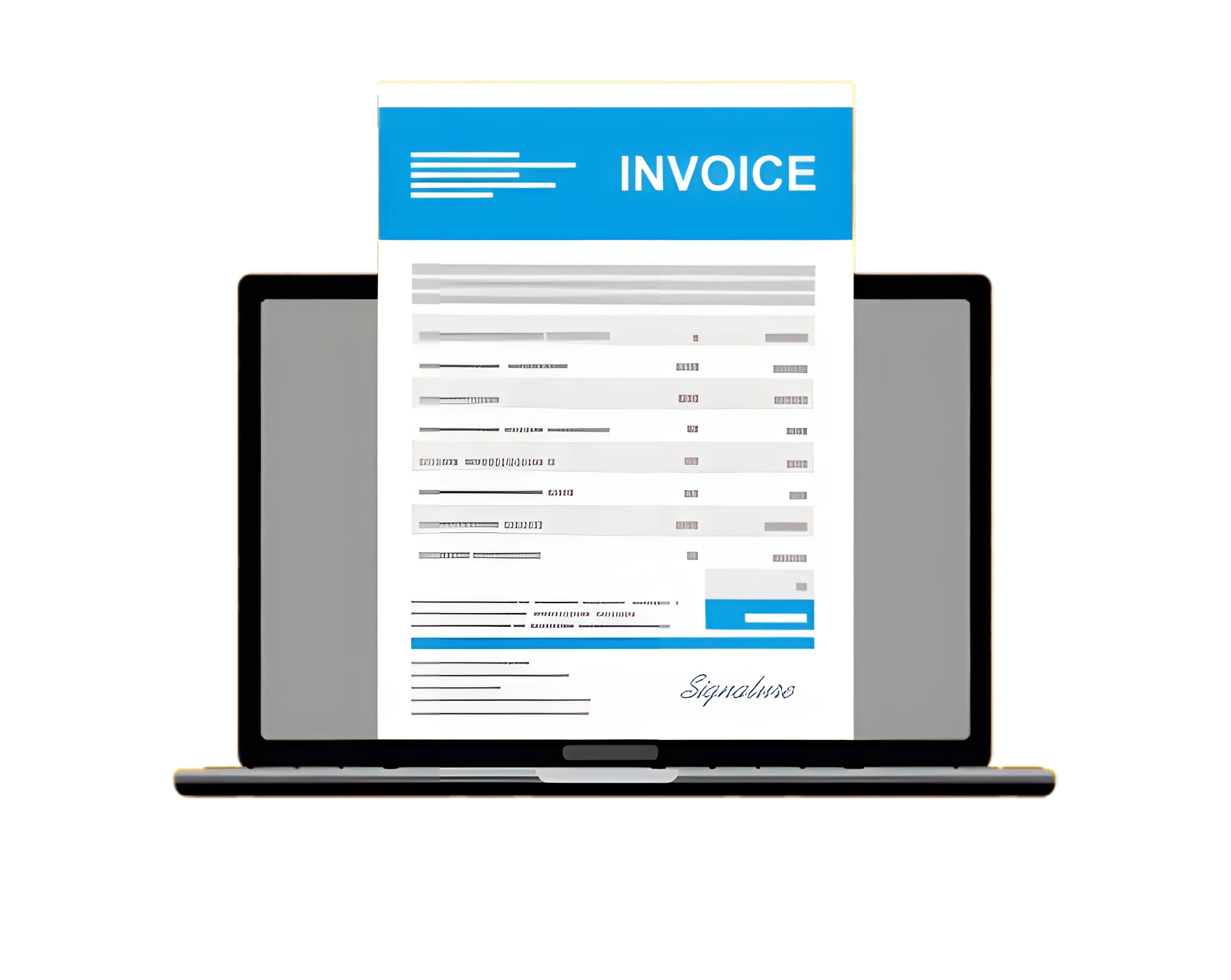






A Complete Guide to Specialist, Ethical, and Effective Billing Maintaining financial stability and maintaining excellent client relationships in the fast-paced business climate of today involves delivering bills that are precise, professional, and tax-compliant. Using the correct invoice style can help you maintain tax compliance, improve your billing process, and present a professional brand image, spite of your size. We'll going over the various invoice forms, its benefits, and how to use tools like Sleek Bill for successful invoicing in the next section.
A seller will present a buyer an invoice, which is a formal document showing a transaction.
Invoice number and date.
List of goods/services provided.
Unit prices, taxes, and discounts.
Total payable amount and due date.
Payment terms and methods.
More than just a payment request, an invoice is a legal document and a key record for accounting, dispute resolution, and tax filing.
To help ensure uniformity and professionalism across your billing documents, an invoice format is an already prepared template with specified elements.
Business name, logo, contact information.
Customer details.
Itemized list of products/services.
Subtotal, applicable taxes, discounts.
Total amount payable.
Payment terms and additional notes.
Using a structured invoice format reduces manual errors, maintains branding, and simplifies record-keeping.
Create receipts anytime, anywhere.
Customize branding (logos, contact details).
Save receipts in PDF or send digitally.
Print receipts with thermal printer support.
Store and track order history.
Choosing the right type of invoice ensures clarity in transactions and aligns with your industry needs. Here are the most commonly used formats
Standard Invoice: For general product/service sales—includes item descriptions, prices, and total.
Proforma Invoice: Sent before a transaction to provide an estimated cost to the customer.
E-Invoice: Compliant with Indian GST laws; includes HSN/SAC codes, CGST/SGST/IGST details.
Credit Invoice: Issued to reduce an amount previously billed (returns or billing errors).
Debit Invoice: Used to increase an amount owed due to underbilling or additional charges.
Timesheet Invoice: Used by professionals billing by the hour (consultants, designers, freelancers).
Recurring Invoice: Automatically sent at regular intervals for subscriptions or retainers.
Commercial Invoice: Used in international trade; includes shipping, duties, and customs info.
Final Invoice: Sent at project completion with the final amount due.
Past Due Invoice: Sent for overdue payments; may include penalties or interest.
Format Options: PDF, Word, Excel — What’s Best for You?.
Pro Tip: Sleek Bill provides professional invoice formats in all three formats—PDF, Word, and Excel—for maximum flexibility.
GST-ready invoice templates.
Barcode-based billing for inventory.
Automated tax calculations.
Cloud backup and mobile access.
Real-time payment tracking.
Recurring invoice scheduling.
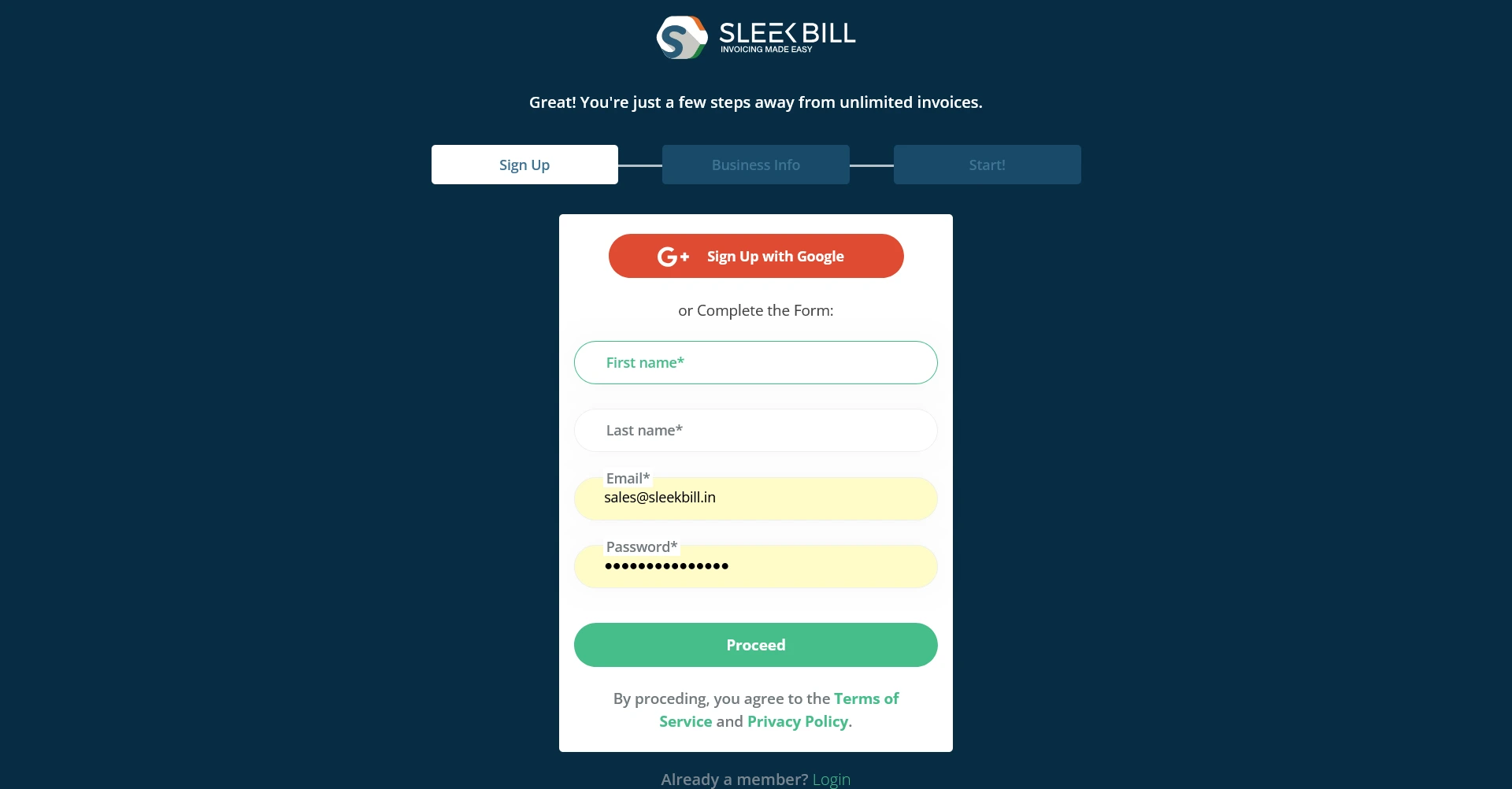
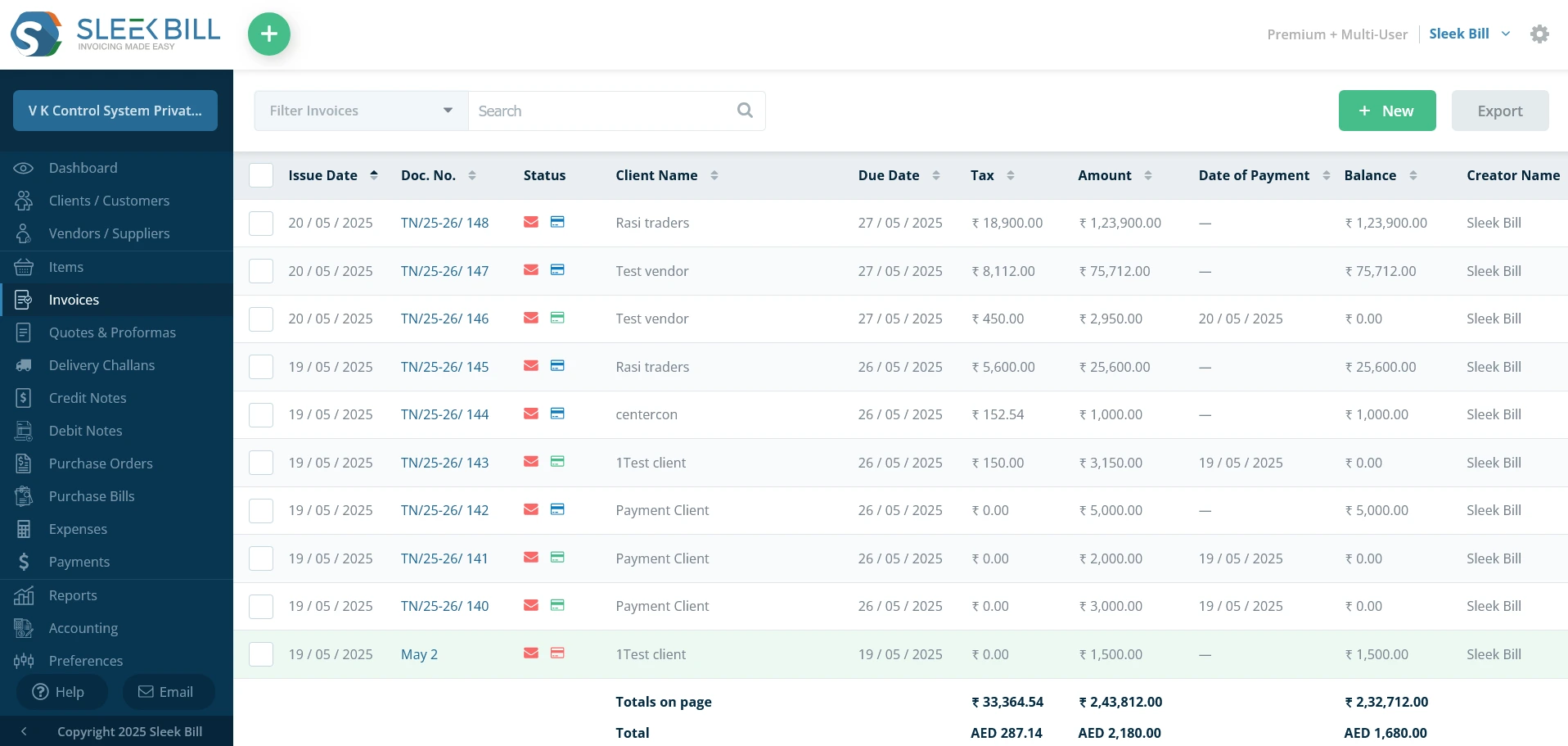
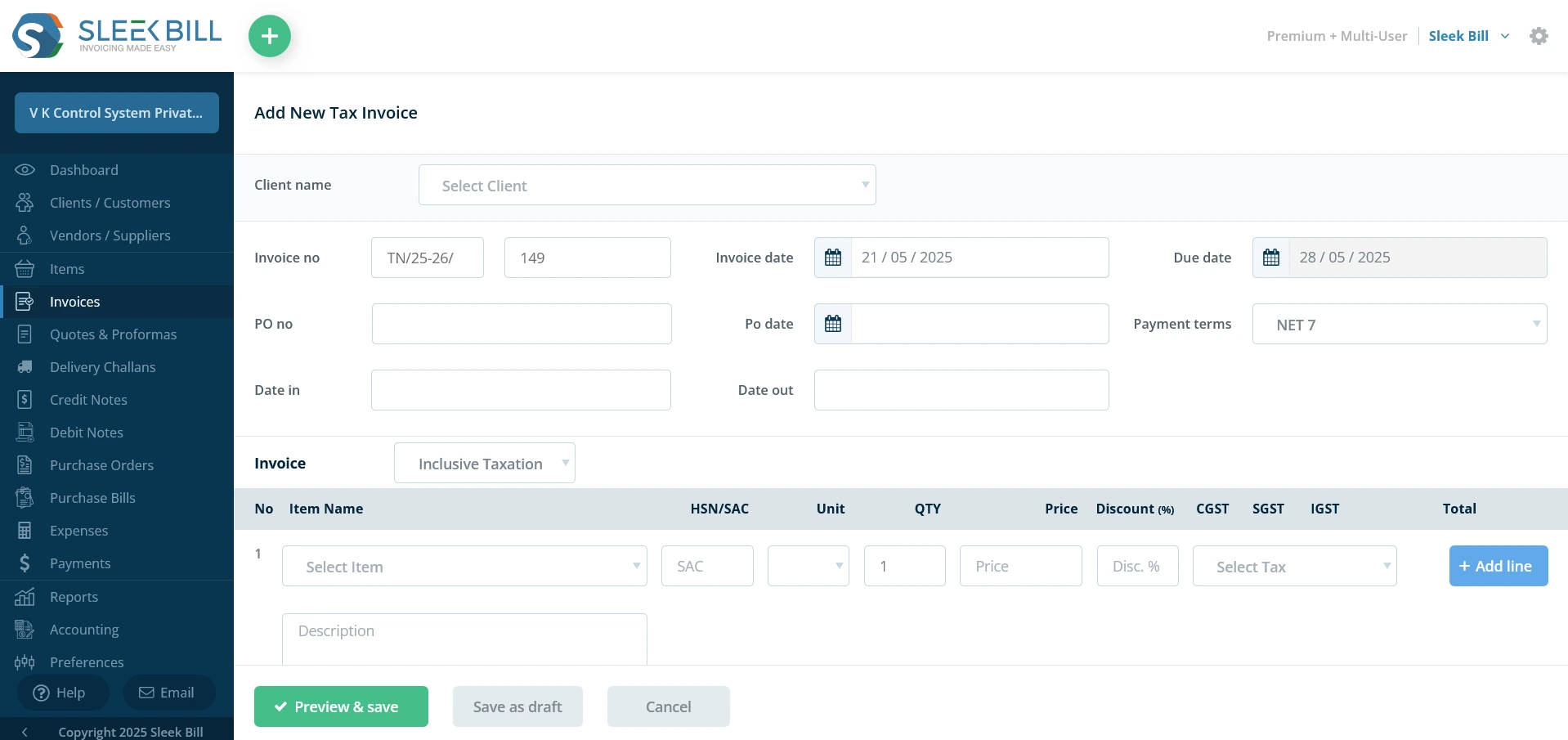
Step 2: Go to Dashboard > Invoice. Click on the “New” button at the top right corner.
Step 3: Fill in customer info, items, tax rates, and terms. Click Save to store the data.
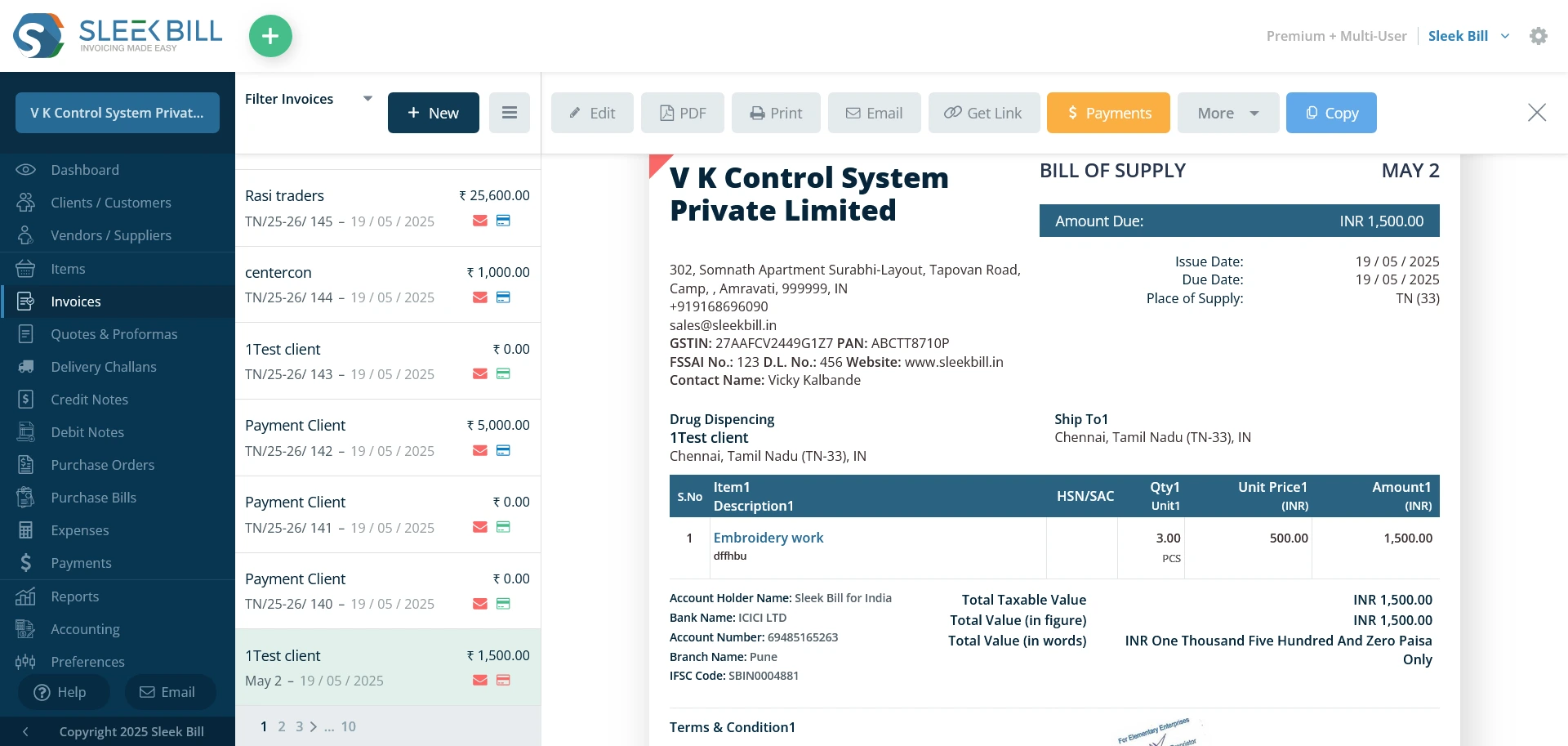
Step 4: Share via email, or download as a printable file.
Track: Monitor invoice status on dashboard and send reminders for unpaid bills.
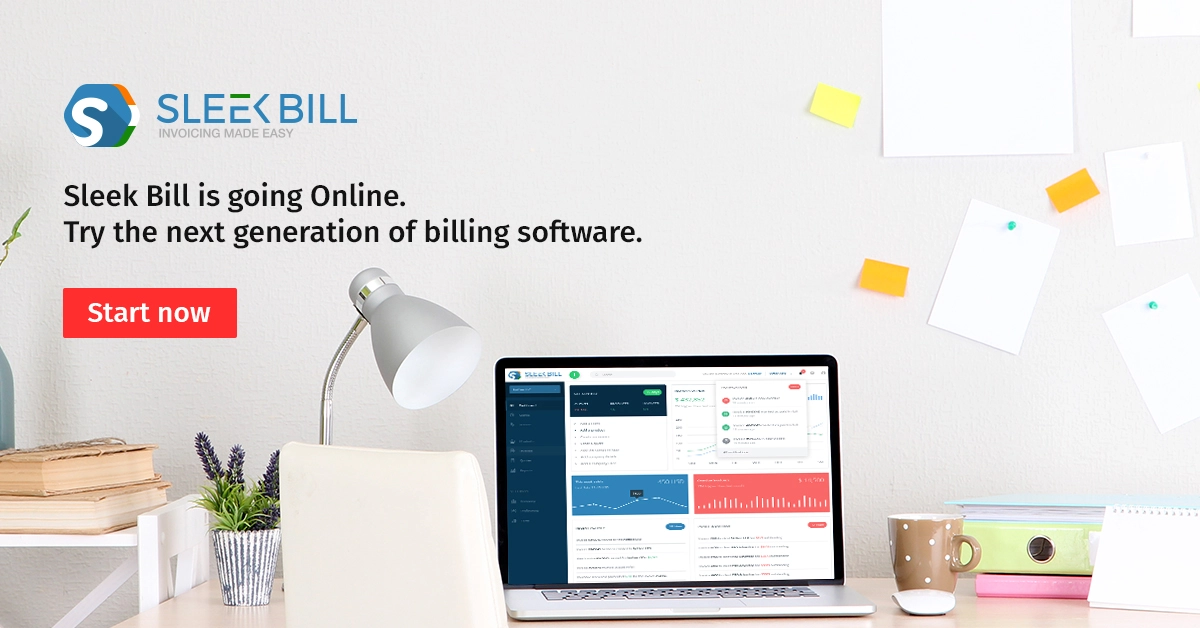
Choosing the appropriate invoice format involves more than just aesthetics; it also involves efficiency, compliance, and credibility. Professional invoice templates help you simplify invoicing, cut down on errors, and get paid more quickly, whether you're run a small business or are an individual.
 GST Export Invoice Format
Requirements for export invoice templates in GST.
 Credit Note Format
Why Need Credit Note?

Requirements for composition scheme documents.

GST features in online billing software.

Requirements for export invoice templates in GST.
Receipt of items or services for GST Exempt.
केंद्रीय वस्तु एवं सेवा कर

Receipt voucher record the receipt of payment.




Because of its professionalism, security, and cross-platform compatibility, PDF goes highly recommended.
Yes. Sleek Bill offers free invoice formats in PDF, Excel, and Word. Simply choose, fill, and send.
Yes. Sleek Bill’s mobile-compatible platform allows you to create, send, and track invoices on the go.
Yes. Many invoicing platforms, including Sleek Bill, allow you to set up recurring invoices. This saves time and ensures timely billing for clients with ongoing services or subscriptions.
Look for essential features like GST compliance, customizable templates, automatic tax calculations, expense tracking, and multi-device access. User-friendly design and the ability to generate reports are also helpful for managing finances efficiently.
 Free training & support
 60K Happy Customers Worldwide
 Serious about Security & Privacy
GST-ready invoice formats that elevate your business.
*Free & Easy - no hidden fees.
 Call Back Request