
Revolutionizing Digital Billing and Compliance
*Free & Easy - no hidden fees.
 Call For Demo 9168696091/92/93
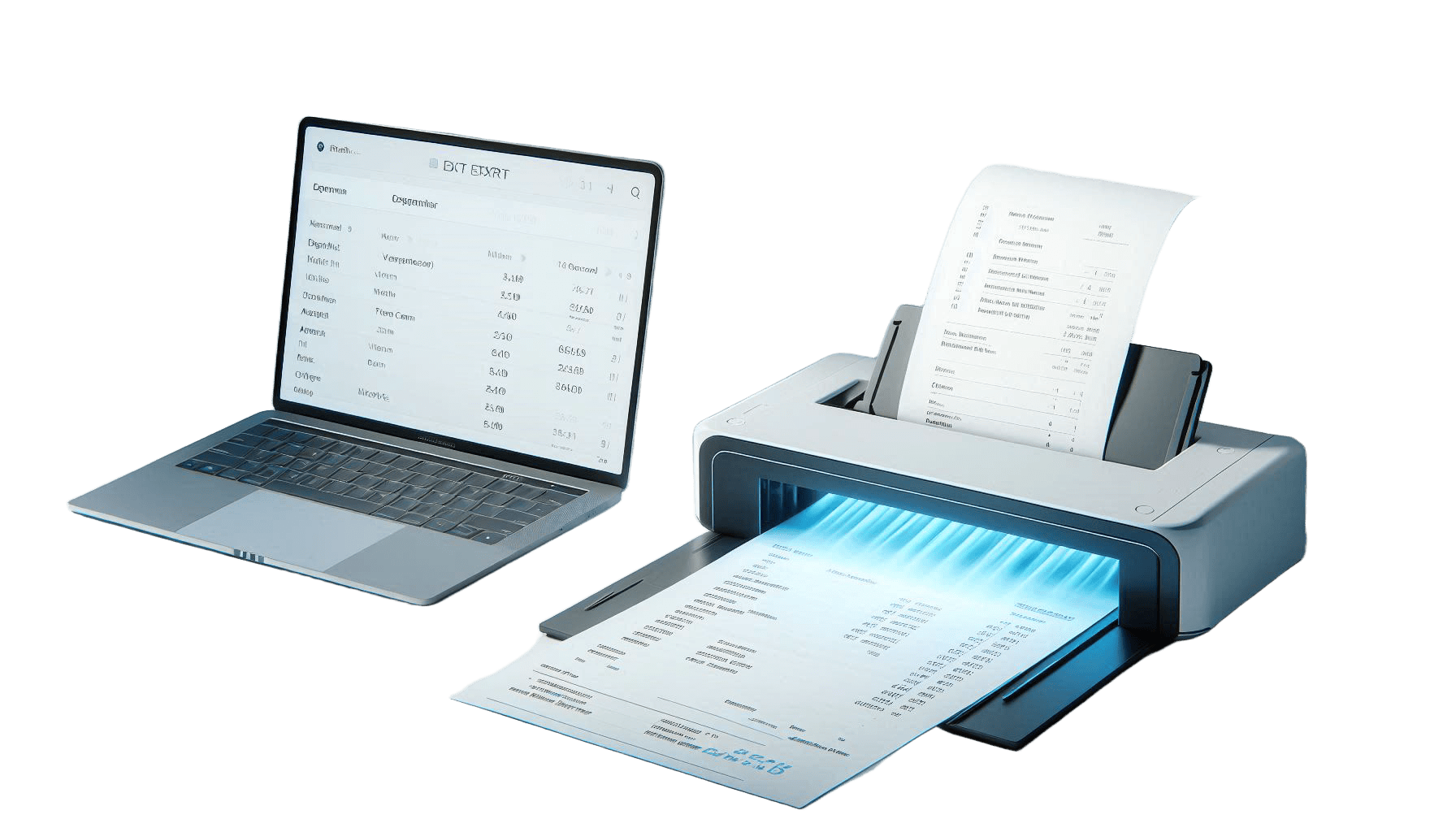






OCR invoice processing is the process of extracting structured data from unstructured documents, like scanned invoices, PDFs, or photos, using optical character recognition (OCR) technology. It transforms invoice content into machine-readable formats (such as JSON) that accounting or ERP systems can readily integrate.
Up to 90% of business data is unstructured. By automating the digitization and extraction of invoice details like these, OCR technology fills this gap.
Invoice number
Supplier name
Line items (right down to SKU level)
Quantities and unit prices
GST or other tax components
Total invoice value

Image Capture: Use mobile cameras or scanners to take pictures of documents.
Text Identification: OCR turns handwritten or printed text into digital characters.
Field Mapping: Key fields like supplier name, invoice number, and amounts are automatically identified.
Template-Based: Effective for standardized invoices with consistent formats.
Intelligent (AI/ML-Based): Learns and adapts to new invoice formats for better accuracy.
Rule-Based Checks: Cross-verifies data against rules such as correct tax rates or totals.
Cross-referencing: Verifies consistency by matching data with vendor databases or purchase orders.
ERP Systems: Seamless integration into platforms like SAP or Oracle.
Accounting Software: Automated entries into tools like Sleek Bill.
Searchable Database: Invoices become searchable by fields like date, vendor, or amount.
Audit Readiness: Invoices become searchable by fields like date, vendor, or amount.
Extracted data is used for:
Spending analysis
Vendor performance evaluation
Cash flow forecasting
Automated Alerts: Notifications of inconsistencies or pending approvals.
Approval Routing: Auto-assigns invoices for manager sign-off based on predefined rules.
Minimizes human entry mistakes
Built-in validation rules enhance accuracy
Processes invoices in seconds
Allows for improved cash flow management and speedier vendor payments.
Eliminates manual data entry, which lowers labor costs.
Minimizes early payment discounts and reduces late fee penalties.
Ensures timely payments
Enhances trust and fosters better payment terms.
Maintains a clear audit trail
Guarantees compliance with financial laws, tax codes, and GST.
Eliminates the need for physical document storage
Reduces carbon footprint and improves sustainability
Sleek Bill uses advanced OCR to:
The way companies handle accounts payable is changing as a result of OCR invoice processing. OCR increases overall productivity while allowing teams to concentrate on strategic operations by automating time-consuming tasks, lowering errors, and guaranteeing compliance. Sleek Bill and similar tools provide a comprehensive solution to support your journey toward digital finance transformation.
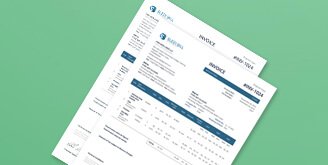 GST Invoice Format
Requirements for invoice templates in GST.
 GST Billing Benefits
Advantages & benefits of the new tax system.

Requirements for composition scheme documents.

GST features in online billing software.
 GST Credit Note
Find out when and how to issue GST compliant credit notes.
 GST Online Advantages
Benefits of online over offline invoice software.

Requirements for export invoice templates in GST.
Receipt of items or services for GST Exempt.
केंद्रीय वस्तु एवं सेवा कर

Receipt voucher record the receipt of payment.




OCR is a technology that reads, extracts, and transforms handwritten or printed information from invoices into editable, searchable data.
OCR stands for optical character recognition.
An OCR receipt is a digital copy of a paper receipt with data extracted for convenient analysis and storage using OCR technology.
OCR is used in payments to automatically process and reconcile payments by reading and validating data from invoices and receipts.
Enable tax settings from the Settings panel.
Set tax rates and labels as per business requirements.
Taxes will be automatically calculated on invoices.
 Free training & support
 60K Happy Customers Worldwide
 Serious about Security & Privacy
Leverage Sleek Bill for Seamless Billing & Financial Management!
*Free & Easy - no hidden fees.
 Call Back Request