
Complete Guide to Professional & Simple Invoices
*Free & Easy - no hidden fees.
 Call For Demo 9168696091/92/93
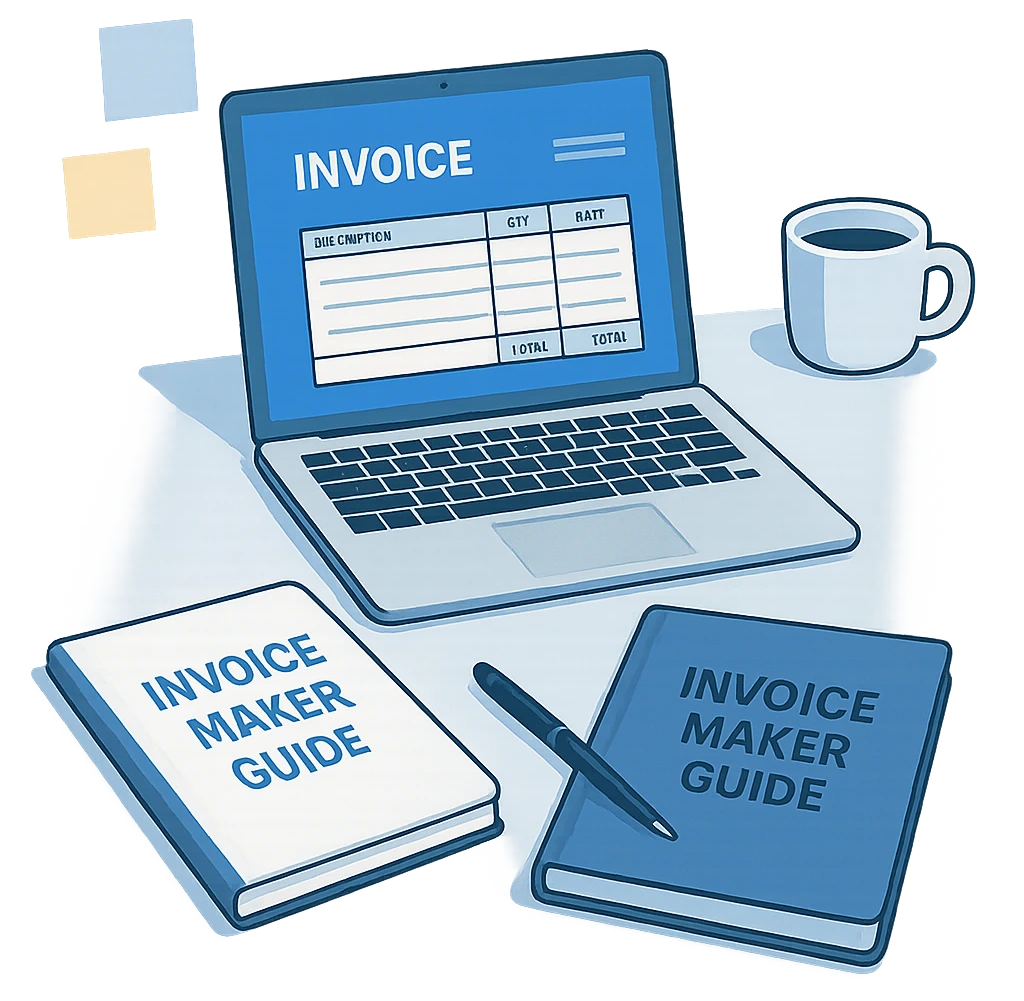






One essential component of managing a profitable business is sending out professional invoices, which not only ensure accurate records but also enhance your brand reputation and ensure timely payment. An invoice maker or invoice generator is a robust solution to make this significant business activity simpler.
Invoice generators are online access or online billing solutions that enable entrepreneurs and freelancers to easily make professional and flexible invoices. The solutions make automatic invoice generation possible, reduce the risk of mistakes and facilitate the billing process. This results in businesses achieving accuracy and effectiveness.
Complete the following straightforward actionable steps to make a professional invoice:
Provide your company information - Enter your company name, telephone number and address clearly.
Enter your customer details - `Enter your precise customer information, including your name, email address and address.
List the item's & prices - It is evident that the goods and services that are being offered are represented by descriptions, obligations and amount
Tax & discount - Clear the tax rate that applies and display all discounts that are being provided
Set payment terms - Enter precise payment details and due dates in the invoices section.
Modify your invoice - Enhance professionalism by inserting logos, company colors and custom formats.
For a good and professional invoice, ensure these nine key components are included.
Company Name & Information - Company name, address, contact numbers.
Client name information - Proper recipient information.
Clear Invoice Number - Important for effective prosecution and accounting.
Invoice date - Shows when the invoice was given.
War /service description - A Comprehensive breakdown with precise pricing.
Additional fees - Transparently listed taxes, shipping and processing charges.
Total amount - Final payment after discount and tax terminology.
Terms & Payment procedures - All rules for payment modes, due dates and late payments.
By sending your invoice properly, instant payment ensures:
Create professional e-mail - Attach invoices as pdfs or send a direct link.
Efficient sending - Utilize email or messaging apps like whatsapp to deliver speedily.
Invoice tracking - Employs software that has notifications when clients open invoices and allows for prompt follow-up.
There exist various firms that need various types of invoice forms based on their business activities these are standard forms :
He saves time with autofill – Autofilled stored business and customer information minimizes repetitive transaction entry.
Easy sharing presses – Create PDFs immediately for your printed speech or send them electronically with a single click.
Smart Notification Memories – Suitable for freelancers consultants and service. professionals
Mobile desktop-friendly – An invoice designed to merely look into various devices to acquire customers.
Perfect for some industries – It is extremely beneficial for freelance contractors and small companies within the industry.
Organizing pursuing invoices – Access past invoices with ease and track payment status for optimized financial management
Accept payments everywhere – Facilitate quicker transactions by providing various payment modes both online and on the premises

Hiring an invoice provider validates your business by streamlining invoice preparation, reducing mistakes and quickening your payment cycle. Using business billing software to keep precise accounting records, impress your customers and maximize your billing process. Nowadays, we utilize smarter and less cumbersome invoice generator bills.
 GST Export Invoice Format
Requirements for export invoice templates in GST.
 Credit Note Format
Why Need Credit Note?

Requirements for composition scheme documents.

GST features in online billing software.

Requirements for export invoice templates in GST.
Receipt of items or services for GST Exempt.
केंद्रीय वस्तु एवं सेवा कर

Receipt voucher record the receipt of payment.




Yes, easily upload your logo in JPEG or PNG format.
Email them directly or share via a downloadable PDF or invoice link.
Absolutely. Additional pages are generated automatically as you add more items.
Input either a fixed amount or percentage discount, automatically reflected in totals.
Activate tax settings, specify rates, and clearly label them on invoices.
Yes, select the 'Inclusive' checkbox to display inclusive tax amounts.
Yes, set frequency and duration in your invoice software to automate recurring invoices.
No, your invoices remain fully unbranded.
Absolutely, download your invoice instantly in PDF format.
Yes, easily adjust currency settings in the invoice generator panel.
Yes, the system automatically saves client and invoice details for quick future access.
 Free training & support
 60K Happy Customers Worldwide
 Serious about Security & Privacy
Easily generate sleek, professional invoices—no tech skills required
*Free & Easy - no hidden fees.